How to Connect Free NVIDIA AI Models (GLM & Kimi) to GhostBro.app
GhostBro.app supports custom AI providers, allowing you to connect AI models from platforms such as NVIDIA Build and use them directly inside your workflow.

Articles and practical notes on productivity, AI assistance, and better ways to work remotely.
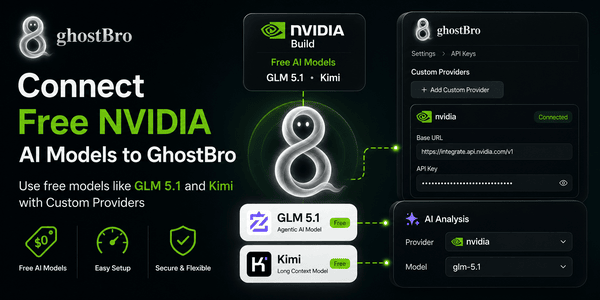
GhostBro.app supports custom AI providers, allowing you to connect AI models from platforms such as NVIDIA Build and use them directly inside your workflow.
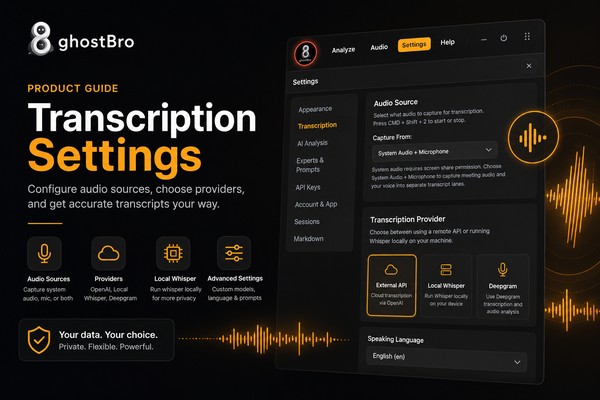
Configure GhostBro transcription with confidence. This product guide explains how to choose audio sources, microphone inputs, OpenAI, Local Whisper, and Deepgram settings, plus custom models, language options, and prompts for cleaner, more accurate session transcripts.
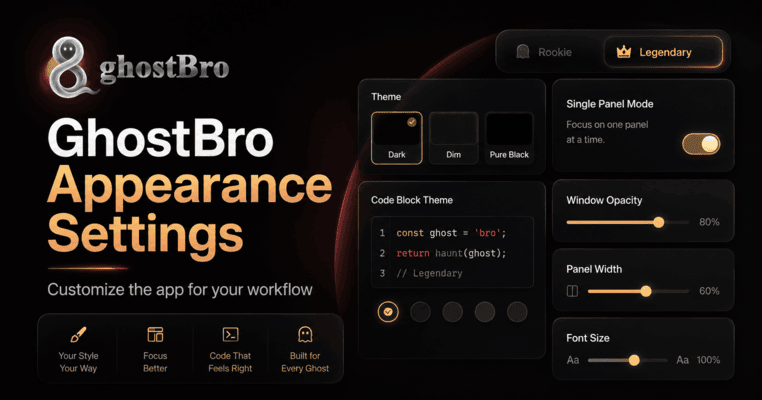
Learn how to customize GhostBro’s Appearance settings, including dark and light mode, Rookie and Legendary user modes, keyboard shortcuts, panel width, font size, window opacity, and code block themes. Make the app feel more comfortable, focused, and practical for the way you work.
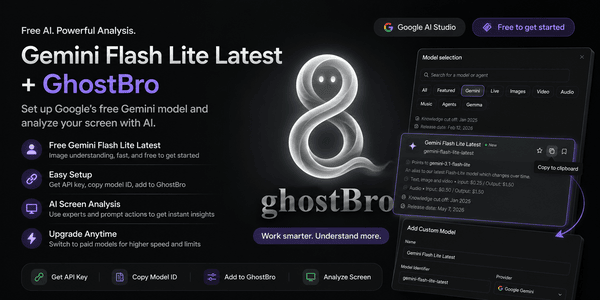
If you’re looking for a free AI model to use with GhostBro, Google’s Gemini Flash Lite Latest is currently one of the easiest options to get started with.
Integrating Deepgram with GhostBro allows you to leverage high-quality, AI-powered transcription for your meetings and presentations. This guide will walk you through setting up your Deepgram account and configuring it within GhostBro.
Connect OpenAI to GhostBro and create an AI assistant that adapts to your workflow—not the other way around. Full customization, local ownership, and no middleman.